![]()
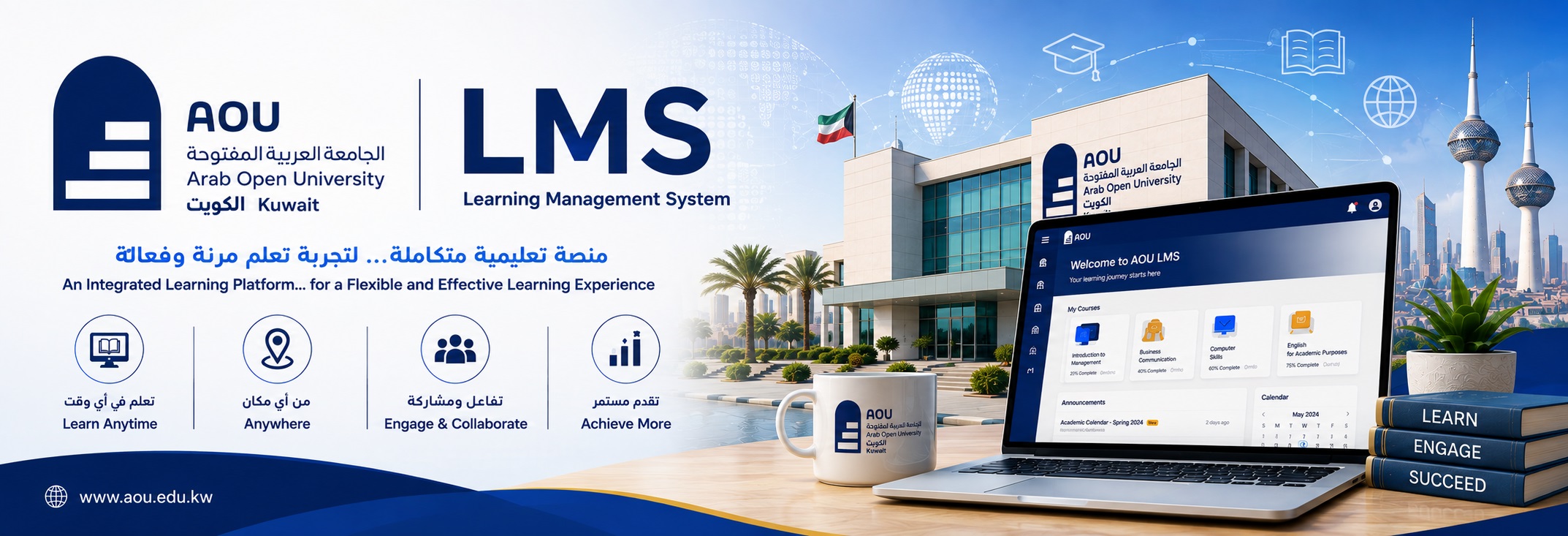
On the Learning Management System (LMS) at the Arab Open University (AOU) Kuwait, you can access all your enrolled course materials, join online live lectures or recorded sessions (via tools like MS Teams), submit and track assessments such as Tutor-Marked Assignments (TMAs) and Continuous-Assessment Mark (CMAs), and communicate with your tutors and classmates through forums, chats, and messages.
What a Student can do through LMS
- View course content: Open study notes, class syllabi, prescribed book lists, study guides, and learning outcomes.
- Download media and files: Access and save PDFs, PowerPoint presentations, videos, and supplemental reading resources.
- Submit assignment: Upload and turn in homework, essays, or project files before the designated due date.
- Take quizzes and tests: Complete online multiple-choice questions, timed exams, or interactive assessments.
- Check the Gradebook: View scores, instructor feedback, and rubrics for your assignments and exams.
- Monitor deadlines: Use the built-in calendar and course notifications to track upcoming tasks and due dates.
- Message instructors and peers: Use internal messaging systems, forums, or integrated tools like Microsoft Teams to ask questions and discuss topics.
- Join web conferences: Attend live virtual classes or hybrid remote meetings directly through the platform.
Sign-in to begin your studying and browse activities